🔥LAST DAY 50%⚡ M.2 NVMe SSD with Integrated Heatsink
🔥LAST DAY 50%⚡ M.2 NVMe SSD with Integrated Heatsink
Couldn't load pickup availability
-
Ordered
- - -
Order Ready
- - -
Delivered

🔥LAST DAY 50%⚡ M.2 NVMe SSD with Integrated Heatsink


M.2 NVMe SSD
Keep more
installed.
Add room for the games you come back to, plus the clips, saves and files you want close at hand. This internal M.2 drive pairs PCIe NVMe storage with a built-in heatsink.

- ⚡ PCIe NVMe
- 🛠️ Built-in heatsink
- 💾 M.2 2280
PCIe bandwidth
Storage that connects directly.
The keyed M.2 edge connector seats in a compatible PCIe NVMe slot. Use it as dedicated storage alongside your existing drive in a supported setup.


Thermal design
Cooling built in.
Raised fins add surface area to the black metal heatsink, which sits directly on the drive. Check the combined height and width against the space around your slot.
Game library
Room for the next install.
Make room for new releases and updates while keeping more of your regular rotation installed. If you’re upgrading a PS5, compare the drive’s specifications with the requirements for your console.

Desktop workflows
Give your projects a drive.
On a PC with a compatible M.2 NVMe slot, set aside an internal drive for game captures, edits and active project folders.
Capacity guide
Choose the room you need.

Before you choose
Check your M.2 slot.
- Confirm M.2 2280 mounting. Look for an 80 mm mounting point and space around the slot for the attached heatsink.
- Check the interface. Find an M-key PCIe NVMe slot in your device manual.
- Check your console’s requirements. For a PS5, verify the interface, read speed and the full drive dimensions against the console’s M.2 requirements.

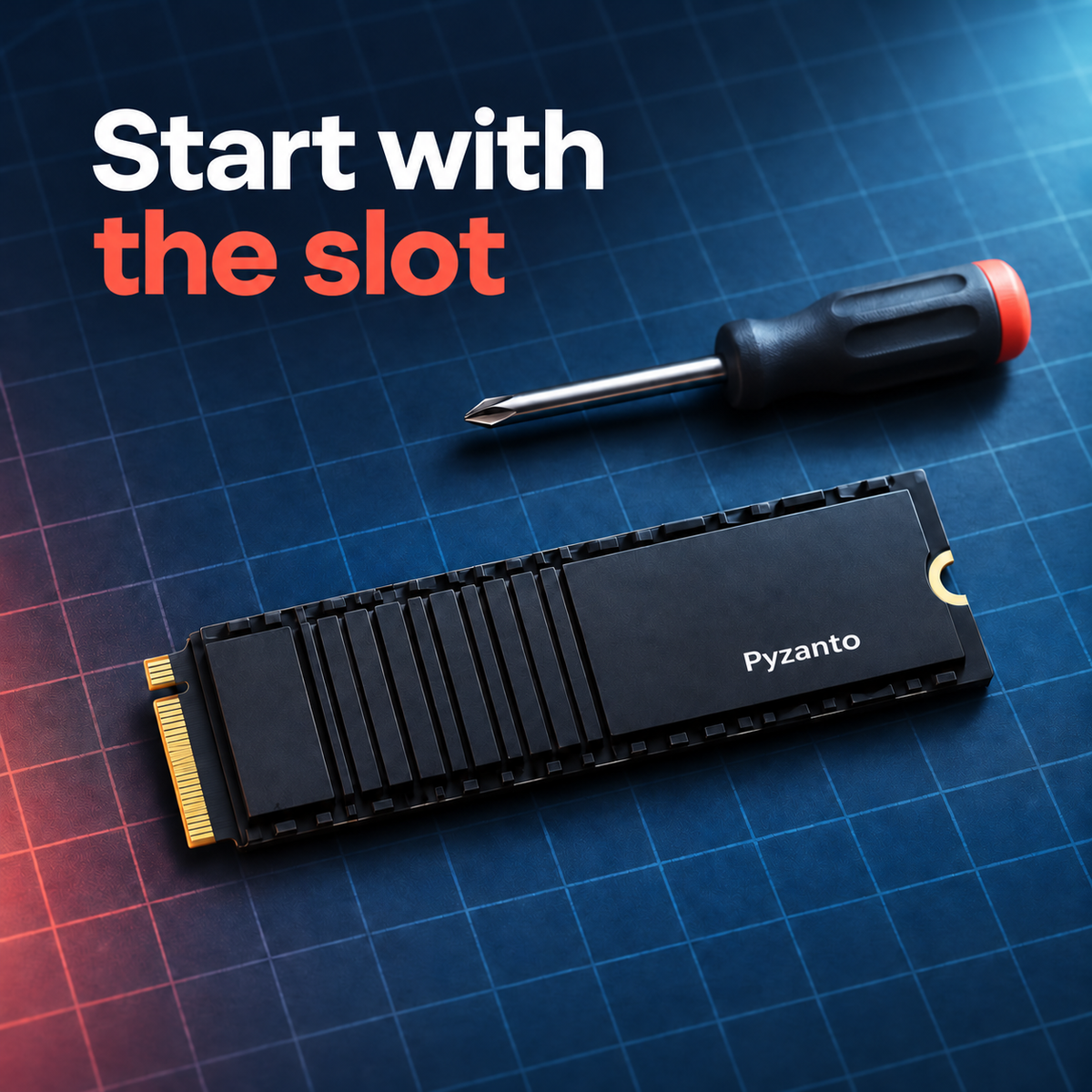
Start with the slot.
Shut down and unplug your system. Use the manufacturer’s instructions for opening the bay, securing the drive and preparing it in your storage settings.

Common questions
Before installing.
How do I prepare the drive for use?
Once you’ve fitted and secured it as directed in your system manual, follow the system’s storage setup prompts. Confirm you selected the new drive before formatting it.
Which kind of M.2 slot does it require?
Look for an M-key PCIe NVMe slot with an M.2 2280 mounting point and clearance for the heatsink.
How do I check PS5 fit?
Sony specifies a PCIe Gen4 ×4 M-key NVMe drive with cooling and recommends a sequential read speed of 5,500 MB/s or faster. Check the full assembly dimensions and the drive specifications against the official requirements for your console model.
Why might my device show a different capacity?
Drive labels use decimal units. Some devices report capacity in different units, and formatting can also affect the available space shown.